Home/Help/Messages from the restore box
Messages from the restore box
Each block is one message from the box. The files in the screenshots are fixtures from this repo.
The selection is not a ZIP or JSON
Drop the My Data ZIP (or several parts) plus memories_history.json if it is separate.
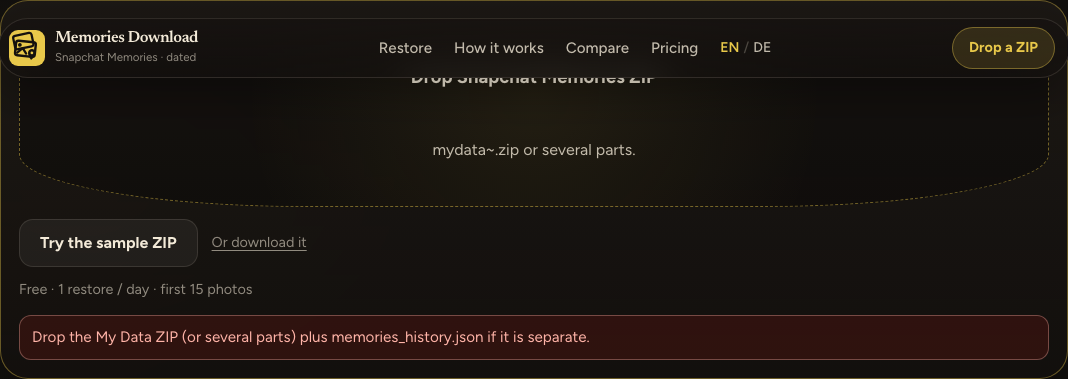
The file picker was given loose-photo.jpg from scripts/fixtures/sample-main.jpg. Choose the .zip from My Data, or add memories_history.json with it.
The ZIP opens and has no Memories media
No photos or videos found. Use the Memories export from accounts.snapchat.com → My Data. Chat media folders are skipped on purpose.
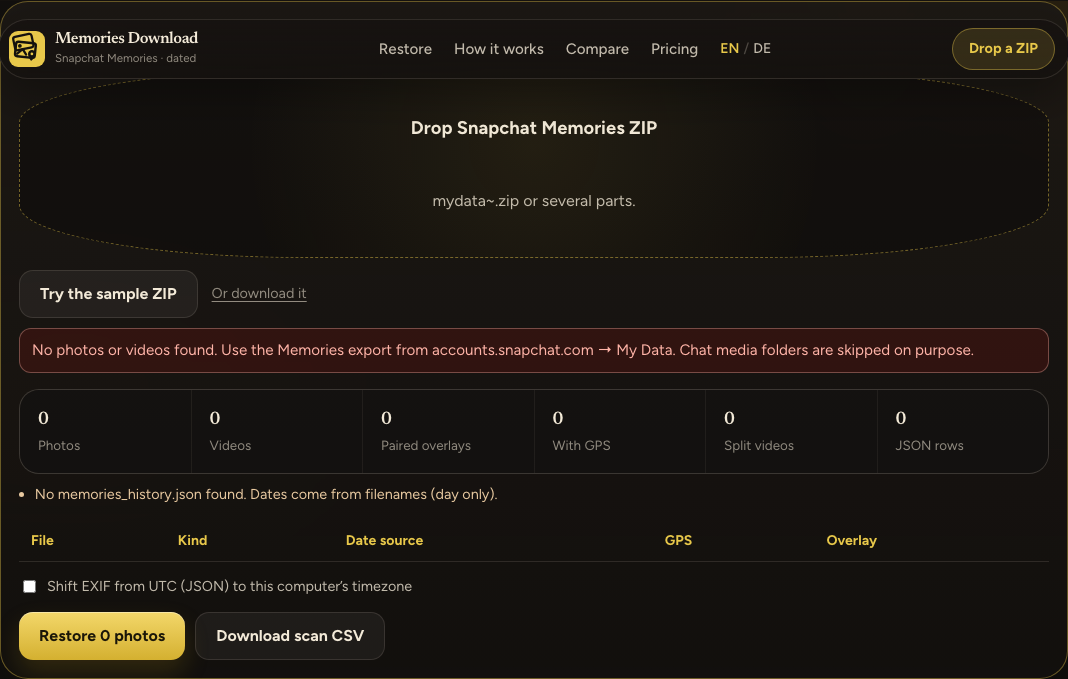
This fixture ZIP contained chat_media/snap.jpg and html/index.html. Those folders are skipped, along with thumbnail and thumbnails. A My Data ZIP that only has the HTML viewer, with the photos still behind Snapchat’s download links, hits the same message. This site does not fetch those links. Download the media archives from My Data and drop that ZIP.
The file is not a finished ZIP
This file is not a finished Memories ZIP. The download was probably cut off. Re-download the Memories export from accounts.snapchat.com → My Data, then drop the new ZIP here.
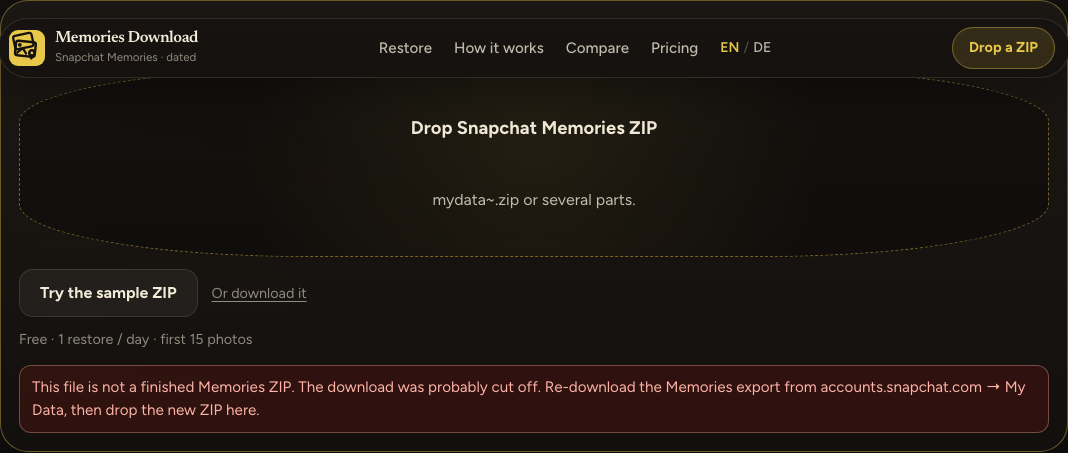
The fixture was the text this is not a zip — download cut off saved as cut-off.zip. Download the export again from My Data. The box does not show the ZIP parser’s own error text.
No memories_history.json
No memories_history.json found. Dates come from filenames (day only).
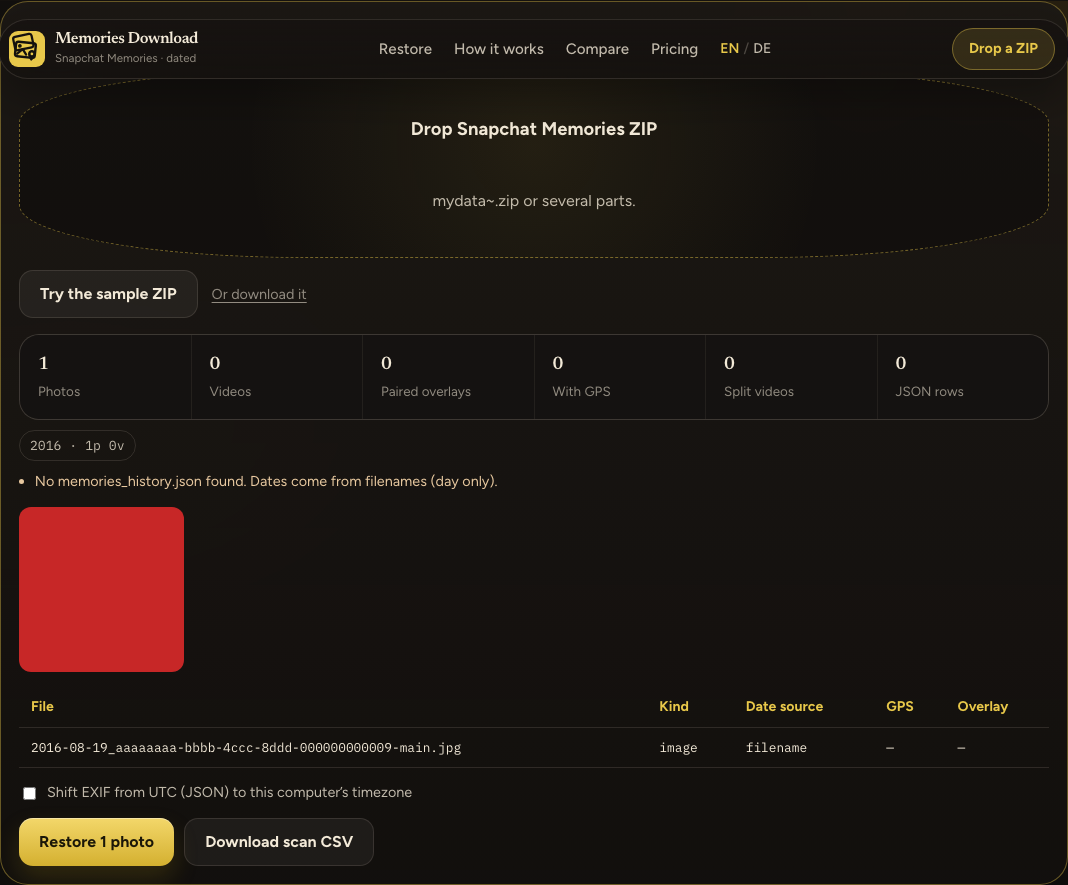
Date source on that row is filename. A name that is only YYYY-MM-DD is stored as 12:00:00 UTC. A clock time in the name (2017-04-03_22-11-04_…) is kept, and the column still says filename. GPS stays empty because there is no Location field to copy. Request the export again if you need the JSON time and location. The scan still runs.
An overlay did not match
1 overlay file(s) did not match a main photo or video.
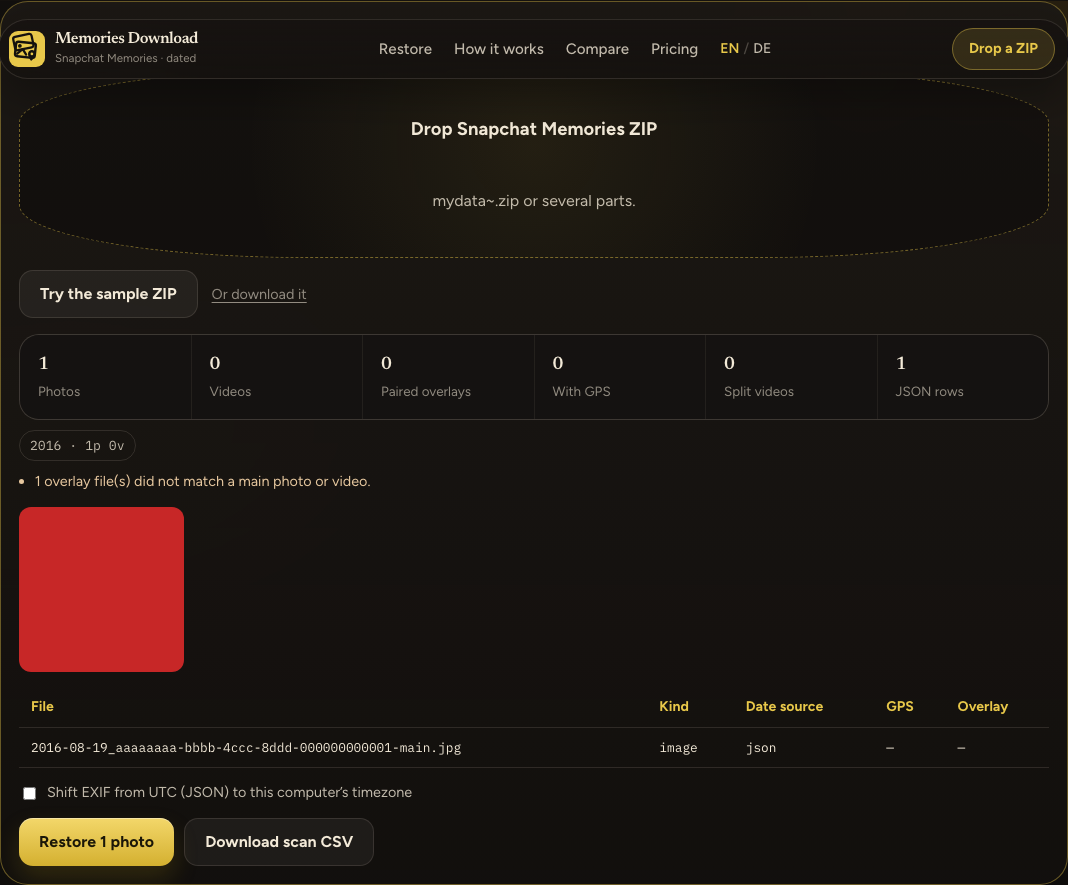
A match is the UUID in the file name, or the shared stem after -main / -overlay is removed. This fixture paired a photo ending in …0001 with an overlay ending in …0099. The overlay is counted and not baked onto the photo. A Pro restore copies that file into Snapchat-Memories/unmatched-overlays/.
Today’s free restore is already used
Free limit is 1 restore per day (15 photos). Unlock Pro for the rest of this ZIP.
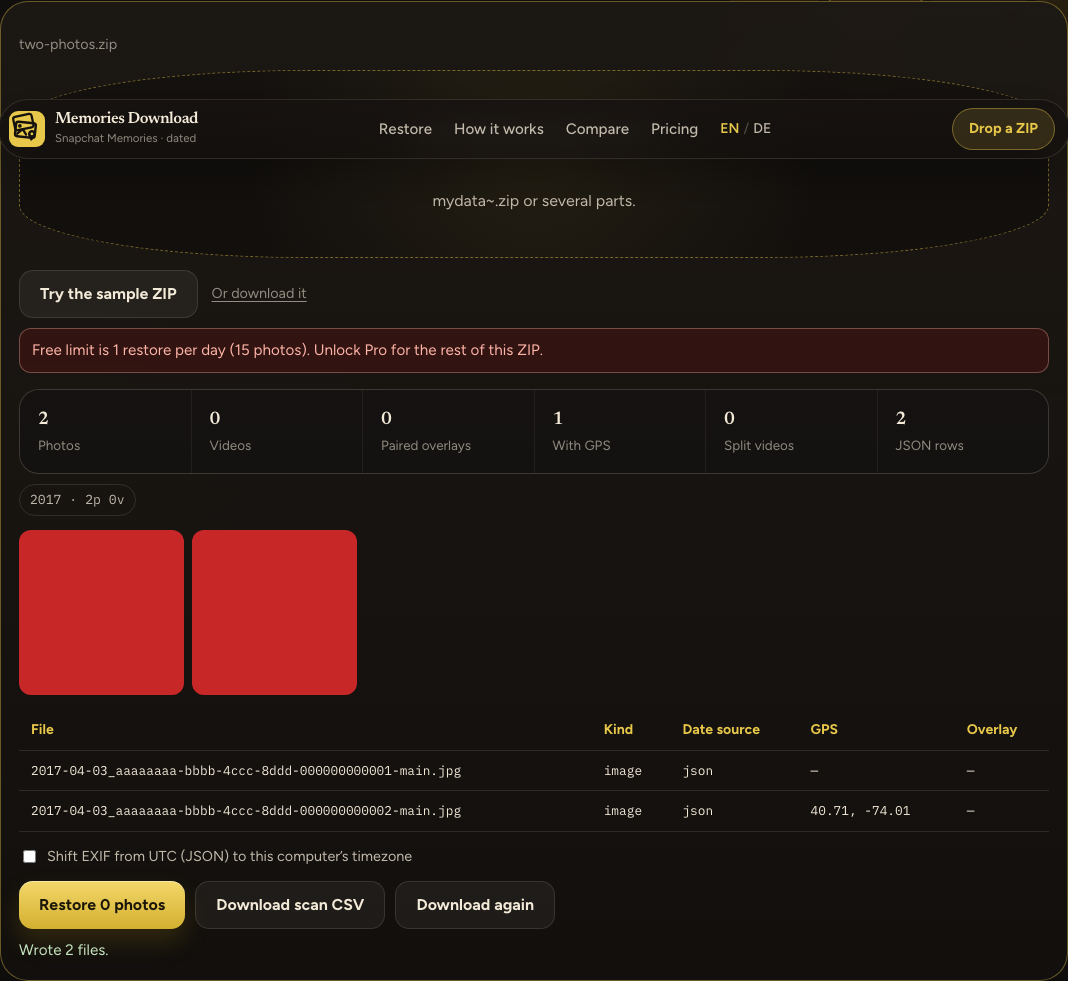
This appears when the free restore for today is already spent and the scan is still inside the free size (no extra photos, no videos, no split clips). The screenshot is the second click on a two-photo fixture, after the first click had already written 2 files.
If the scan is past that size, the same limit opens the dialog Unlock the rest of this folder instead, and this sentence stays hidden while the dialog is open. Close it with Not now — keep the free 15 photos only when a free restore is still left; otherwise the dialog comes back.
Other failures
Sample ZIP could not be loaded means /examples/sample-memories.zip did not download. Restore failed is the fallback when the job throws something that is not an error message. If the thrown value is an Error, the box shows that message instead. There is no separate screenshot for those two; they were not forced here.