Drop the export
Open the restore box on the home page.
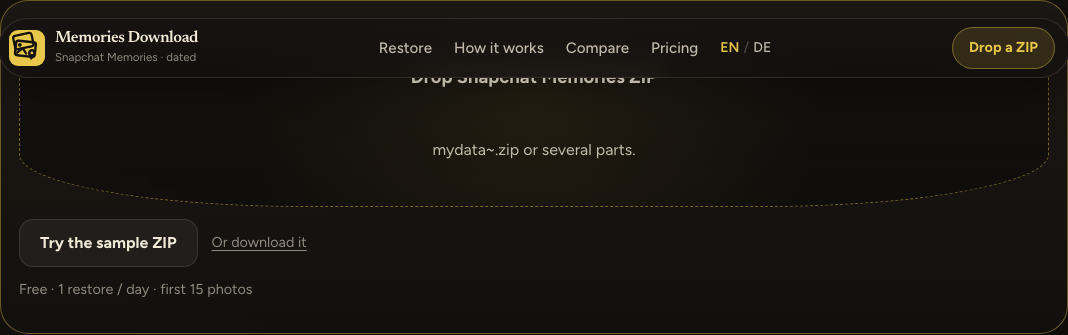
Click the box, or drop files on it. It accepts .zip files and memories_history.json. Select every ZIP part in the same drop. If the JSON sits outside the archives, include that file in the same selection. The scanner uses the first memories_history.json it finds. A ZIP inside the file you dropped is opened, and one ZIP inside that is opened too.
Try the sample ZIP loads /examples/sample-memories.zip, a fixture built for this site. That file opens Unlock the rest of this folder. Not now closes the dialog and leaves this scan.
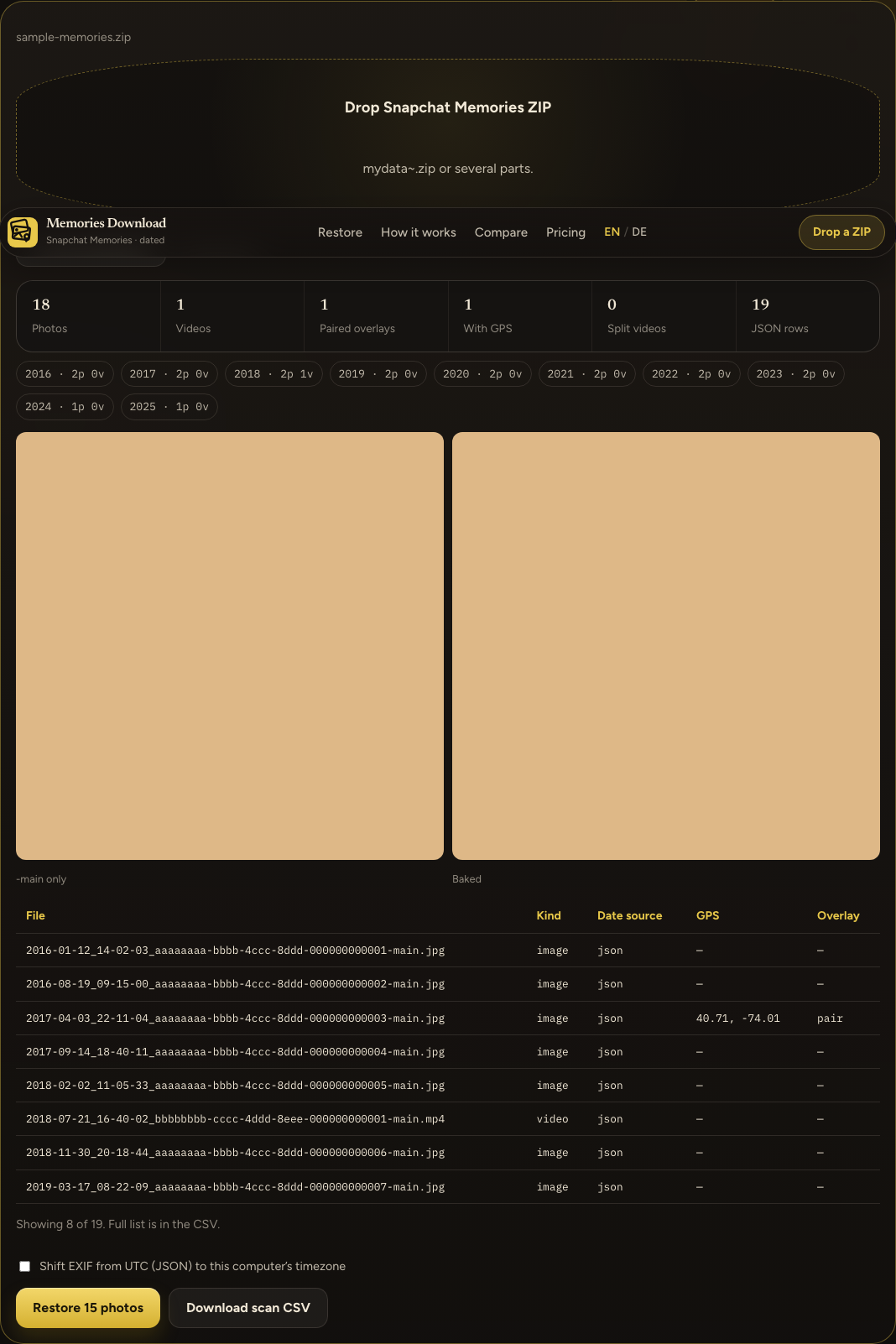
Year chips use the capture year. Baked is the overlay drawn onto that photo. Date source is json when a memories_history.json row matched on the same UTC day and the same kind, filename when the name supplied the date, or zip-mtime when only the ZIP entry time was available. If the file name already has a clock time, the JSON row must fall within two hours. Location on the matched row is the GPS value.
Download scan CSV writes memories-scan.csv for every row. Columns are file, kind, capture_utc, gps, overlay, split_parts, date_source.
Check Shift EXIF from UTC (JSON) to this computer’s timezone to add this computer’s offset before the files are written.
The dated download is the next page.
The search “when is Snap deleting memories” is When is Snap deleting memories?.